You’ve written your book, but the thought of spending money to publish it feels overwhelming. What if you could get your story out into the world without dipping into your savings?
Imagine reaching readers and building your author brand without any upfront costs. This isn’t just a dream—new authors are doing it every day using smart, free tools and platforms. You’ll discover exactly how to publish your book for free, step by step, so you can focus on what matters most: sharing your story with the world.
Keep reading to unlock the secrets that make free publishing possible and turn your author goals into reality.

Credit: janefriedman.com
Free Self-publishing Platforms
New authors can publish books without spending money using free self-publishing platforms. These platforms let writers upload and sell their work globally. They remove the need for traditional publishers and costly printing. Authors keep control of their content and earnings. Publishing becomes accessible to anyone with a manuscript. Below are some popular platforms that help new authors start their journey at no cost.
Amazon Kindle Direct Publishing
Amazon Kindle Direct Publishing (KDP) lets authors publish ebooks and paperbacks. It offers global distribution through Amazon stores. KDP has easy-to-use tools for uploading manuscripts. Authors can set prices and earn royalties on sales. Amazon only takes fees when a book sells, so no upfront cost is required. It supports multiple languages and formats. KDP also allows authors to update their books anytime.
Apple Books And Barnes & Noble Press
Apple Books allows authors to distribute ebooks and audiobooks to Apple users. The platform supports simple uploading and royalty tracking. It reaches millions of readers on iPhones and iPads. Barnes & Noble Press helps authors publish ebooks and print books for the NOOK reader. It offers free setup and global distribution. Both platforms charge no fees to publish. Authors keep full control over pricing and content.
Kobo Writing Life And Ingramspark
Kobo Writing Life connects authors to readers worldwide through Kobo stores and partners. It supports free ebook publishing with royalty payments. IngramSpark offers print-on-demand and ebook distribution services. Authors can publish print books without large print runs. While IngramSpark has setup fees, it offers free promos and discounts. Both platforms help authors reach diverse markets. They provide tools to track sales and manage books easily.
Credit: www.woodbridgepublishers.com
Writing And Formatting Without Cost
New authors can write and format their books without spending money. This process uses simple, free tools and resources. It helps keep costs low while creating professional-looking manuscripts. Clear, well-formatted books attract more readers and publishers.
Using the right tools makes writing easier. Formatting guides and templates save time and effort. Together, they help new authors publish confidently and cost-effectively.
Using Free Writing Tools
Many free writing tools support authors from start to finish. Programs like Google Docs allow easy editing and collaboration. They save work automatically and work on any device.
Reedsy Studio offers a clean interface designed for book writing. It lets authors organize chapters and export files in publishing-ready formats. Focus on writing without worrying about software costs.
Other free tools include LibreOffice Writer and FocusWriter. These programs provide distraction-free environments. Authors can write smoothly and track progress without paying fees.
Formatting Guides And Templates
Formatting guides explain how to structure a book correctly. They cover font choices, margins, spacing, and paragraph styles. Following these rules makes books easier to read on screens and print.
Templates provide ready-made layouts for different book types. Authors can download free templates from websites like Reedsy or Smashwords. These templates fit popular publishing platforms’ requirements.
Using templates reduces errors and speeds up the formatting process. Authors do not need special skills or expensive software. This approach helps create professional books without extra costs.
Designing Covers For Free
Designing a book cover is crucial for new authors. A strong cover grabs readers’ attention and sets the tone for the story. Many authors worry about the cost of professional design. Luckily, free options exist that allow authors to create eye-catching covers without spending money.
These tools make cover design accessible and easy. Authors can create unique covers with simple steps and no budget. Let’s explore two popular free methods for designing book covers.
Ai Image Generators
AI image generators create artwork from text descriptions. Authors type what they want, and the AI produces images. This technology helps generate unique cover art quickly.
Many AI tools are free or offer limited free use. They provide various styles and customization options. Authors can create backgrounds, characters, or abstract art that fits their book theme.
AI-generated images often require some editing. Free photo editors can adjust colors or add text. Combining AI art with simple design tools creates professional-looking covers.
Cover Design Tools And Usage Rights
Free cover design tools like Canva and Adobe Express offer templates and graphics. Authors can drag and drop elements to build covers easily. These tools include fonts, shapes, and stock photos.
Understanding usage rights is important. Some images or fonts may need attribution or have restrictions. Always check licenses before using any element on a cover.
Many platforms provide royalty-free resources, safe for commercial use. This ensures authors can publish without legal issues. Using free design tools with proper rights saves money and time.
Uploading And Pricing Your Book
Uploading and pricing your book are key steps in self-publishing without spending money. These steps help you get your work ready for readers worldwide. Platforms like Amazon KDP and Barnes & Noble Press make this process easy and free. You only need to prepare your manuscript and decide how much to charge. This section explains how to set up your account, upload your manuscript, and choose the right price for your book.
Account Setup And Manuscript Upload
Start by creating a free account on your chosen platform. Provide basic details like your name, email, and payment info. Each platform has clear instructions to guide you through the setup. After setting up your account, prepare your manuscript file. Most platforms accept formats like DOCX or PDF. Follow their formatting guidelines to avoid errors.
Upload your manuscript directly to the platform. You can also add a book cover during this step. Some sites offer free cover design tools or let you upload your own. Review your uploaded files carefully to ensure everything looks correct before publishing.
Setting Prices And Understanding Royalties
Next, set a price for your book. Choose a price that fits your audience and genre. Many platforms suggest a price range based on similar books. Lower prices can attract more readers, but higher prices increase your earnings per sale.
Understand how royalties work on each platform. Royalties are the money you earn after the platform takes its share. For ebooks, royalties usually range from 35% to 70% of the sale price. Print books may have printing costs deducted first. Check each platform’s details so you know what to expect.
Balancing Quality And Budget
Balancing quality and budget is a key challenge for new authors publishing books without spending money. Writers want their books to look professional and reach readers. Yet, they must control expenses carefully. Finding smart ways to keep costs low while maintaining good quality is essential. This balance helps authors build their reputation and attract readers without large upfront investments.
The Role Of Professional Editing And Marketing
Editing is crucial for a polished book. Many free publishing platforms do not provide editing services. Authors often seek affordable or free editing options. Peer reviews, writing groups, or beta readers can help improve the manuscript. Some authors use basic editing software to catch errors. Marketing is another area where costs can rise. Social media and email newsletters offer low-cost ways to promote books. Authors can also join free promotional groups online. These methods keep marketing expenses minimal while increasing visibility.
Distribution Costs And Royalties Impact
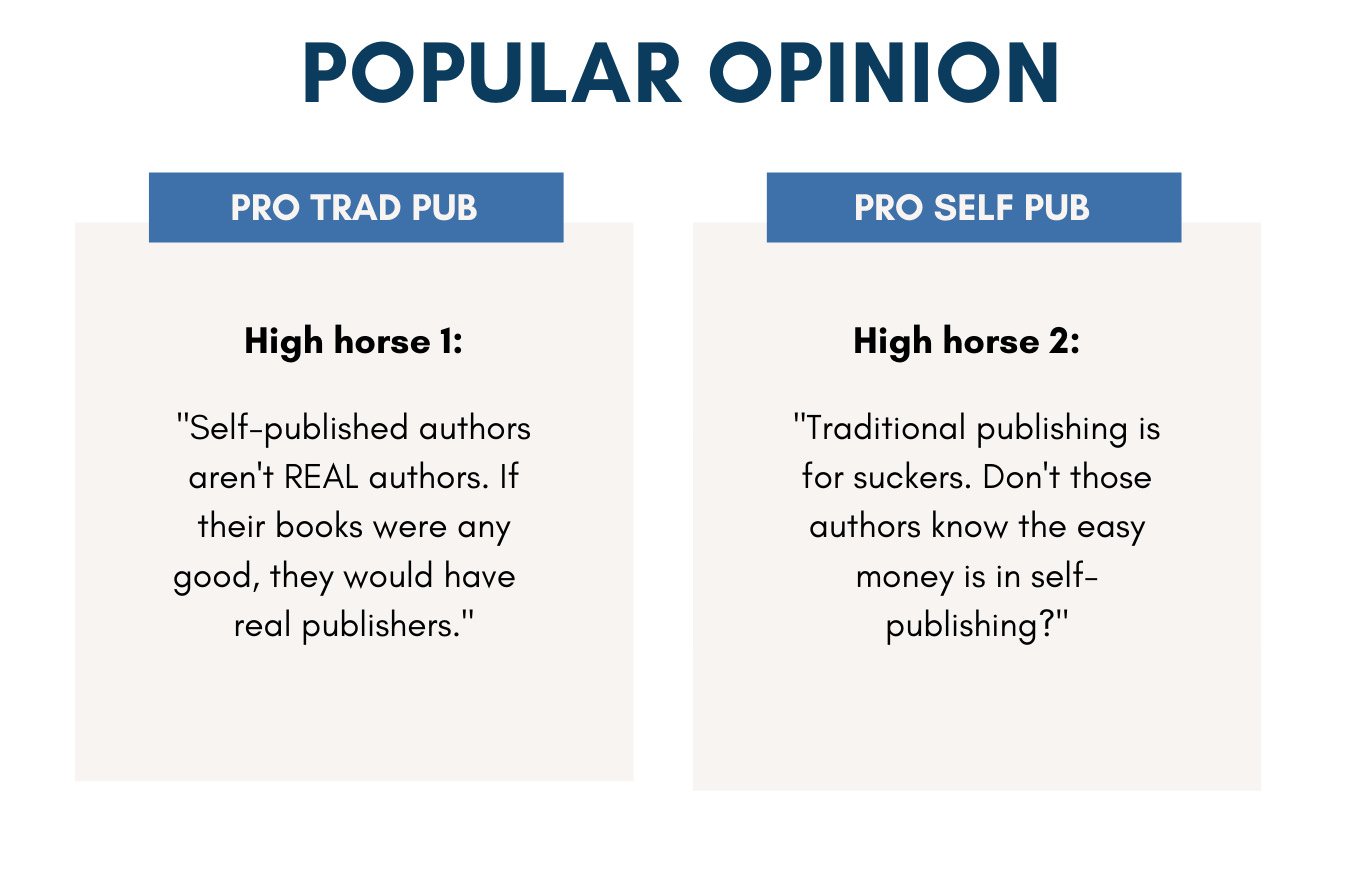
Most self-publishing platforms allow free book uploads. They earn money by taking a cut of sales as royalties. Print-on-demand services deduct printing and shipping fees before paying authors. This means no upfront cost but smaller earnings per sale. Digital books avoid printing fees, making them cheaper to distribute. Authors must set prices carefully to balance sales volume and profit. Some platforms also charge fees for expanded distribution. Understanding these costs helps authors plan budgets and choose the best platform for their needs.
Credit: www.tiffanyhawk.com
How IOKPUBLISH Can Help You with How New Authors Are Publishing Books Without Spending Money
Practical Learning Opportunities for New Authors
For authors navigating the world of self-publishing without a budget, exploring free self-publishing platforms is an essential first step. Platforms like Amazon KDP and Barnes & Noble Press provide accessible ways to upload and price books with no upfront fees. Alongside this, honing skills in writing and formatting using free tools can greatly improve the final product’s professionalism without incurring costs.
Designing a compelling book cover can also be achieved through free resources, allowing authors to maintain quality while respecting budget limits. Organizations such as IOKPUBLISH, dedicated to breaking down traditional publishing barriers, often share valuable insights and resources that help authors balance quality with affordability. For personalized guidance or questions, reaching out to support@inkofknowledge.com can connect authors with helpful advice tailored to their unique publishing journey.
Frequently Asked Questions
How To Publish A Book Without Spending Money?
Use free self-publishing platforms like Amazon KDP, Apple Books, or Barnes & Noble Press. Write, format, and upload your book digitally at no cost. Use free tools for editing and cover design. Set your price, and the platform handles printing and distribution fees from sales.
Can You Publish A Book With No Money?
Yes, you can publish a book with no money using free self-publishing platforms like Amazon KDP, Apple Books, and Barnes & Noble Press. Write, format, and upload your manuscript online without upfront costs. Remember, professional editing and marketing may require investment for better success.
How Much Do New Authors Make On Their First Book?
New authors typically earn between $100 and $1,000 from their first book. Earnings depend on sales, royalties, and marketing efforts.
How Many Books Do You Need To Sell To Make $100,000?
To make $100,000, divide $100,000 by your book’s net royalty per sale. For example, at $5 royalty, sell 20,000 books.
Can New Authors Publish Books Without Any Upfront Cost?
Yes, many self-publishing platforms let authors publish books for free. They charge only when the book sells, taking a small commission. This makes publishing accessible without initial investment.
Which Free Platforms Help Authors Publish Books Easily?
Amazon Kindle Direct Publishing, Apple Books, Barnes & Noble Press, and Kobo Writing Life are popular free platforms. They offer global distribution and simple upload processes. Authors can reach readers worldwide without fees.
Conclusion
New authors can publish books without spending money by using free tools and platforms. Writing, formatting, and uploading can be done at no cost. Some sites let you share your work worldwide instantly. Keep in mind, quality editing and design may require investment.
Still, free publishing opens doors for many writers to reach readers. Start small, learn along the way, and grow your writing journey step by step. The path to publishing is more open than ever before.